Workaround for DAW Crashes When Using iZotope Ozone Master Assistant
For producers and composers using Ozone for mastering: If Ozone 10's Master Assistant crashes your DAW with loud noise bursts, here is an undocumented, practical workaround involving pre-lowering the Maximizer Threshold fader.
💡 Quick Summary (TL;DR)
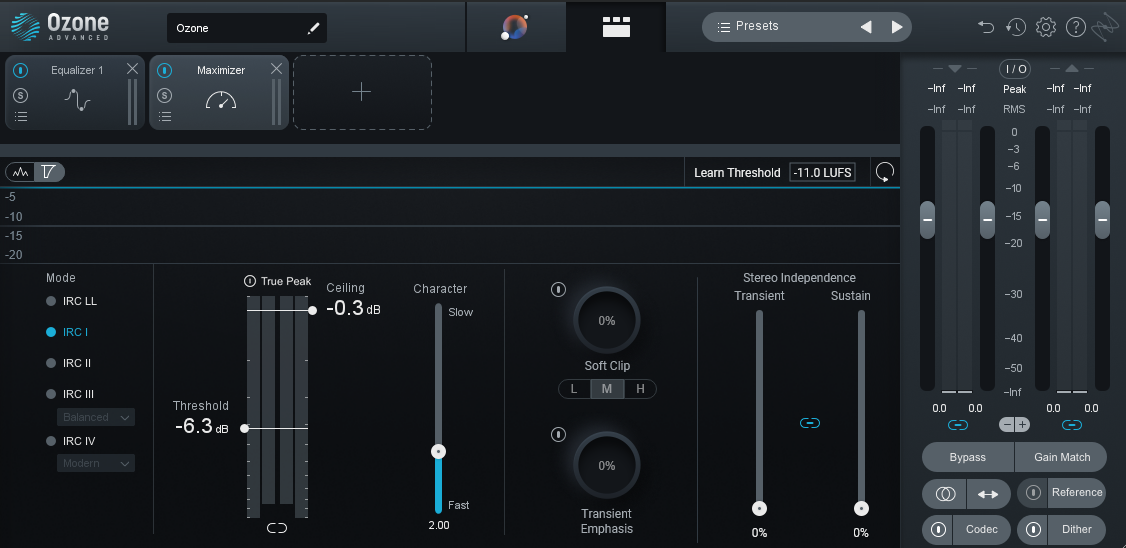
If Ozone’s Master Assistant freezes or crashes your DAW with a loud burst of noise: The sudden, violent CPU spike caused by the Maximizer’s automated threshold-hunting is typically what triggers the crash on older or strained processors.
The Workaround: Before clicking the Master Assistant button, manually pre-lower the Maximizer Threshold fader down to around-6 dB to -10 dB, and run the analysis during your song’s loudest section (the chorus or drop). This prevents the drastic fader travel, drastically easing the instantaneous load spike.
Many composers, producers, and players use Ozone as their go-to mastering tool.
When I previously tried running Ozone 10 on an older, dated PC (Windows 10, Core i7 7000-series, 32GB RAM), I ran into a major issue: using Master Assistant caused the entire DAW to crash alongside a blast of loud noise.
The root cause was simply that the computer was too old and the CPU couldn’t keep up with processing. But when I searched online for a workaround at the time, I couldn’t find any good solutions.
Every PC build and setup is different, so causes and symptoms will vary. If your CPU and system specs simply aren’t up to par, the honest recommendation is to upgrade your PC. But if you can’t immediately buy a new machine, here is an undocumented workaround you can try at your own risk.
Ozone’s Master Assistant inherently demands heavy CPU and memory resources. In my experience, the Maximizer’s automatic adjustment produces an especially severe, instantaneous load spike. On older machines, when this Maximizer Threshold fader has to make a large jump, the likelihood of a crash spikes dramatically.
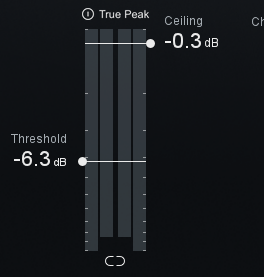
Before clicking the Master Assistant button, manually lower the Threshold fader in advance down to around -6 dB to -10 dB, or select a preset like Balanced Master before starting the assistant.
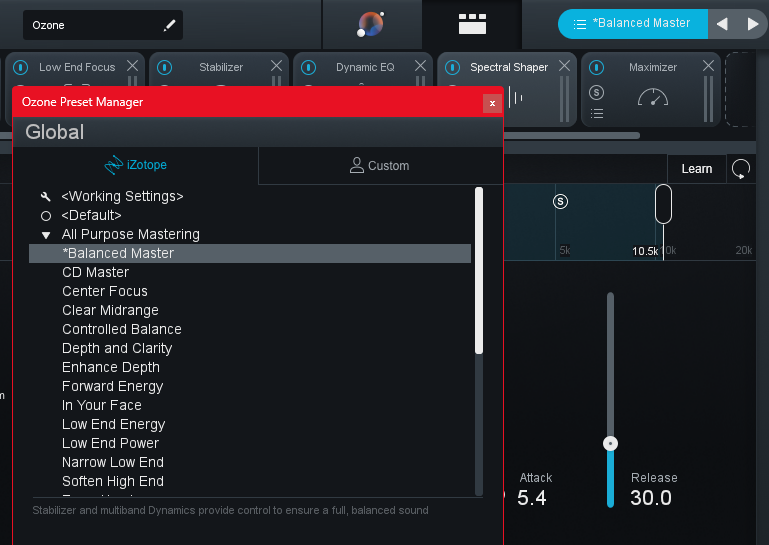
Master Assistant runs while your audio plays back. Make sure to feed it during the loudest part of the track—such as the chorus or drop (where waveforms are fullest).
By lowering the fader beforehand, you eliminate the sudden, drastic fader travel, which can ease the instant load on the CPU and prevent the crash.
If it still crashes after this, or if other fixes don’t help, you might genuinely need to consider replacing the PC based on your hardware specs.
If you’re dealing with this frustrating issue, I hope this helps you get back to making music.
*Tracks created using the environments, gear, and techniques featured on this site are available for preview and free download in the Lo-bit LAB Free BGM Library. Continuously updated.*
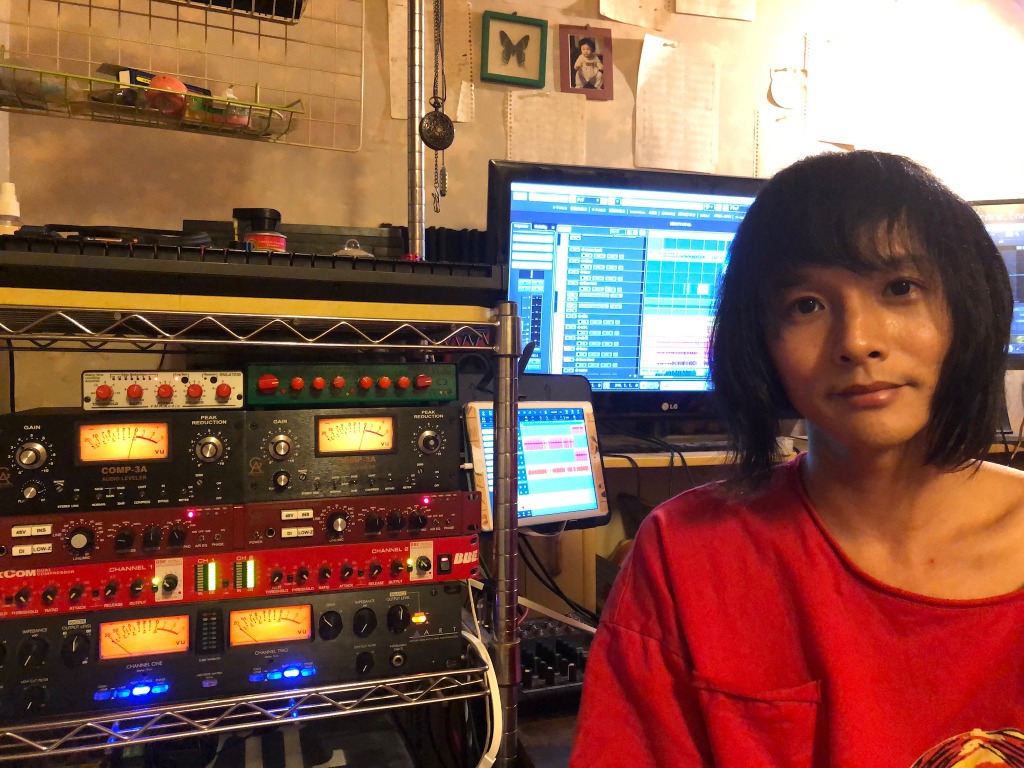
Lin Wolinski / Lo-bit record
Musician, Recording & Mixing Engineer, Music Instructor (Guitar, Bass, DTM, Composition & Arrangement), and C++ Audio DSP Plugin Developer.
Active as Bassist, Synthesist, Backing Vocalist, and Composer/Arranger for the rock band "Once Grace Forever".
Following musical study in Australia, actively engaged in professional music production, bespoke mixing & mastering, boutique audio plugin development under "Lo-bit record", releasing royalty-free music assets, and authoring audio engineering resources.